Introduction
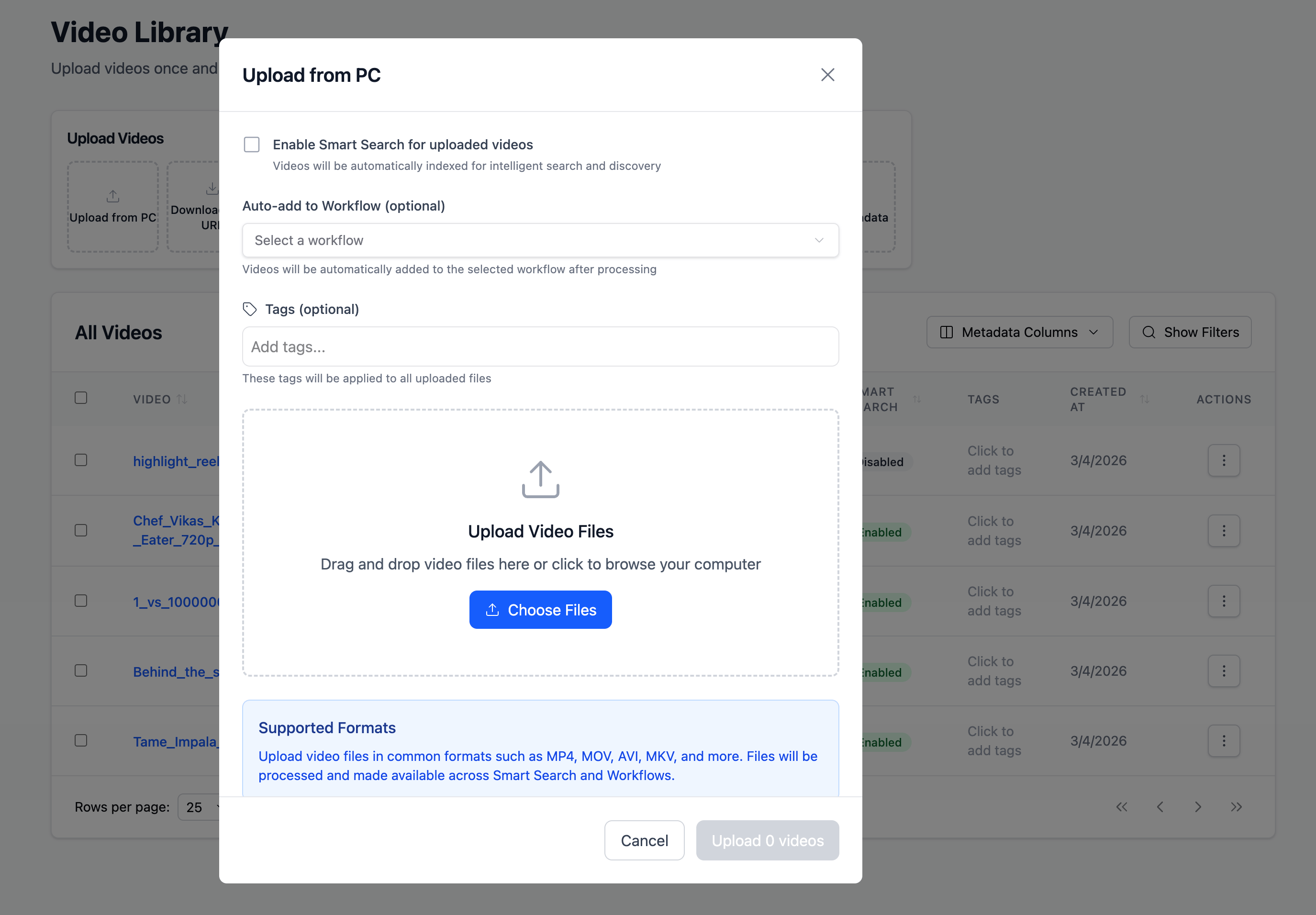
Uploading is the setup step for everything you’ll do in Flowstate. When you upload a video, you’re not just adding a file—you’re also preparing it for how it will be used next.During upload, you can:
- Add tags to keep your library organized (e.g., “Interview”, “Episode 12”, “NAB”).
- Enable Smart Search to index the video for moment-level discovery (moments, emotions, objects, people, key quotes).
- Auto-add to a workflow so the video is routed into an automation as soon as processing completes (e.g., summaries, clip lists, structured outputs, compliance checks).
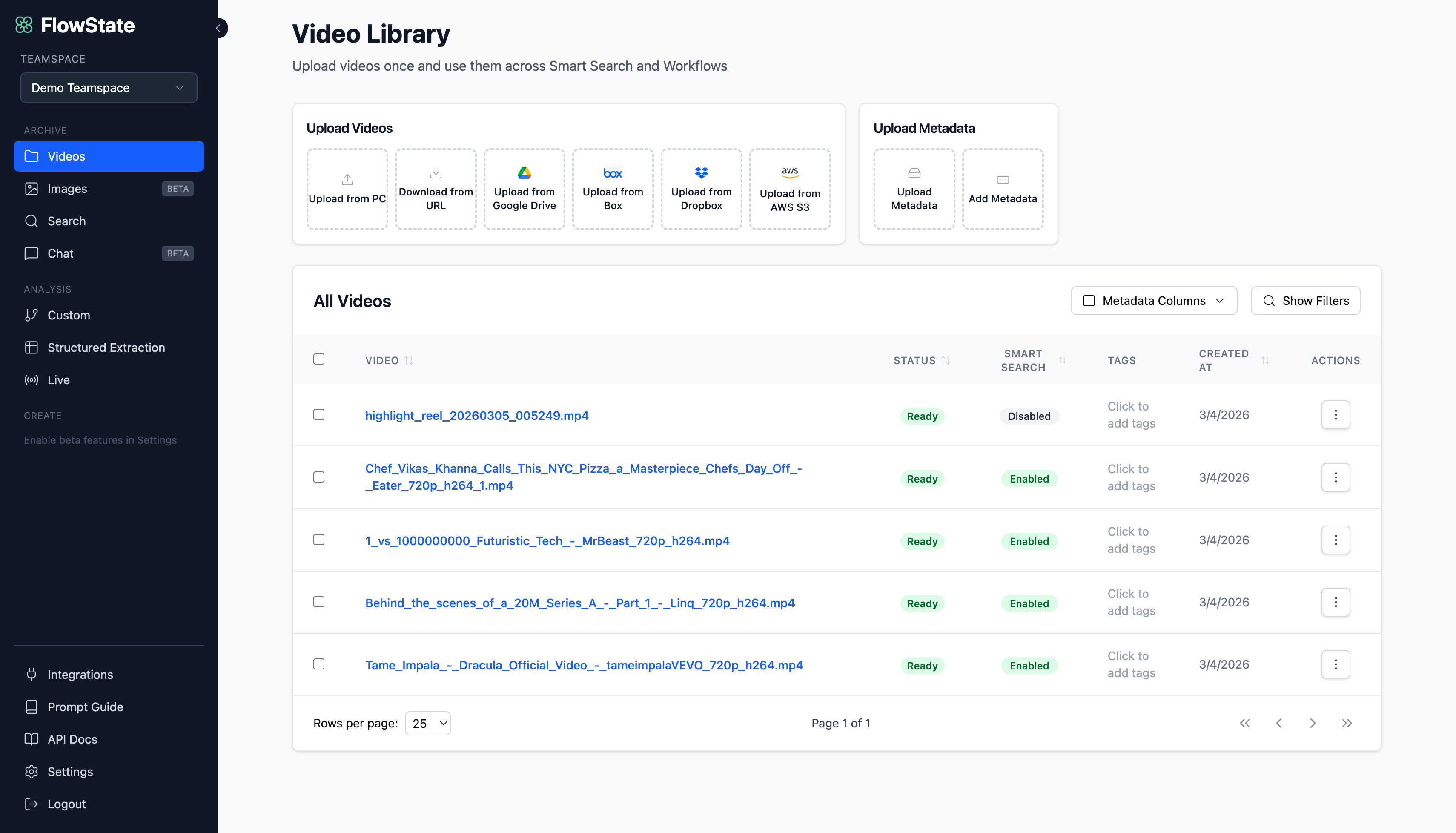
Upload options
Use the Upload Videos panel to bring videos in from:- Upload from PC
Drag and drop (or choose files) from your computer. - Download from URL
For YouTube links or private AWS links (e.g., presigned S3 URLs). Paste one or more URLs (comma-separated) and Flowstate will download and process them. - Upload from Google Drive / Box / Dropbox
Connect your account, browse, and select videos—best if your team already works out of cloud drives. - Upload from AWS S3
Browse connected S3 buckets and select videos—ideal for large libraries and high-volume ingestion.
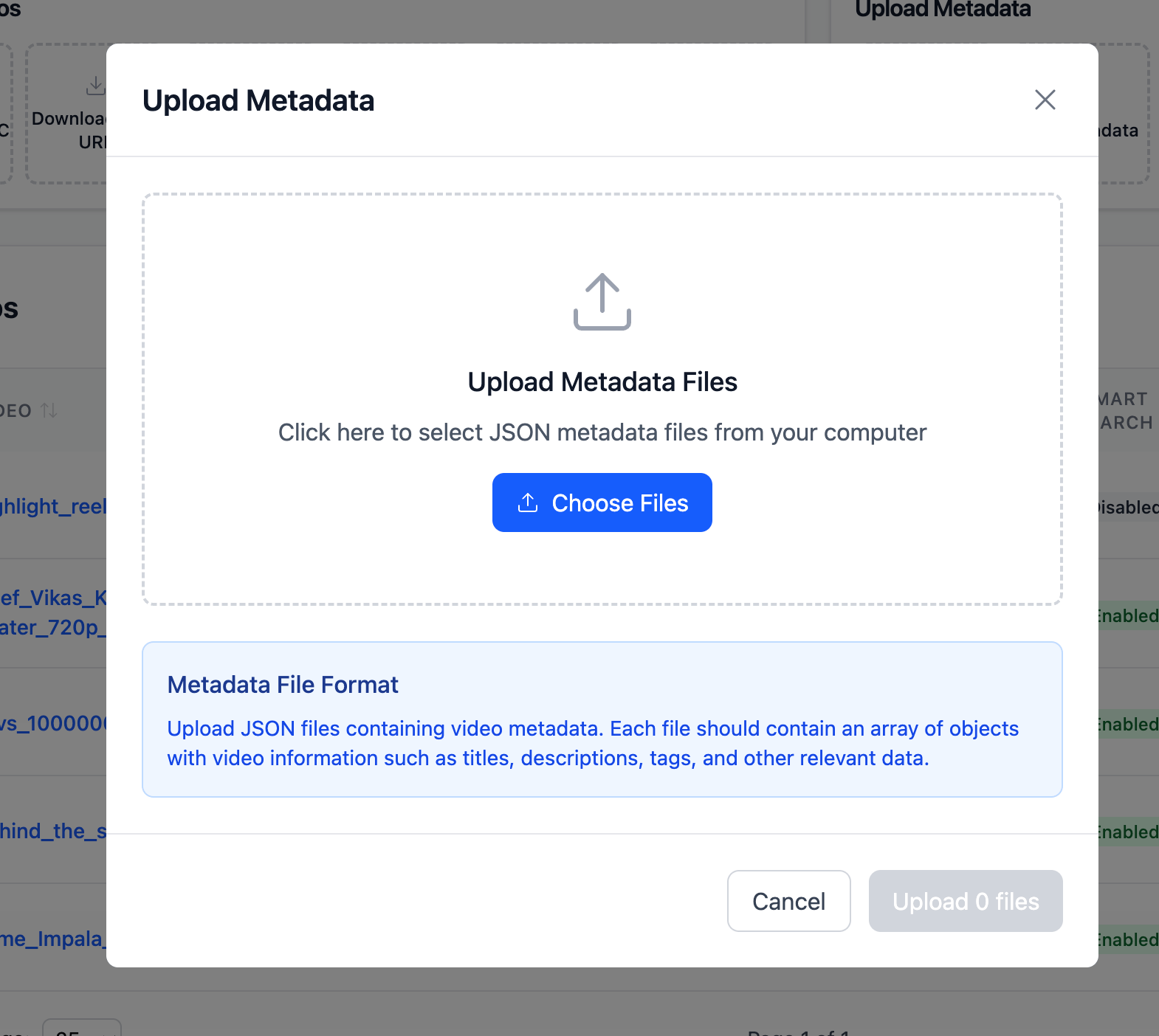
Upload metadata
Next to Upload Videos, you’ll see Upload Metadata, which helps you enrich videos with structured fields for organization and filtering.Upload Metadata (JSON)
Upload JSON metadata files from your computer. This is best when metadata already exists in another system (CMS/MAM/DAM) or you’re exporting from a spreadsheet.Add Metadata (manual)
Add metadata directly in the UI using key-value fields. To attach metadata to a specific video, enter the exact video filename, then add fields likeseries, episode, speaker, category, or any custom attribute.
Why metadata matters: Metadata can be shown as table columns and used in filters, making it much easier to manage and operate on large video libraries.