
- “What were the most common themes across all the videos?”
- “Which video had the most mentions of pricing?”
- “Summarize the key moments from the last three videos.”
- “Which video scored highest and why?”
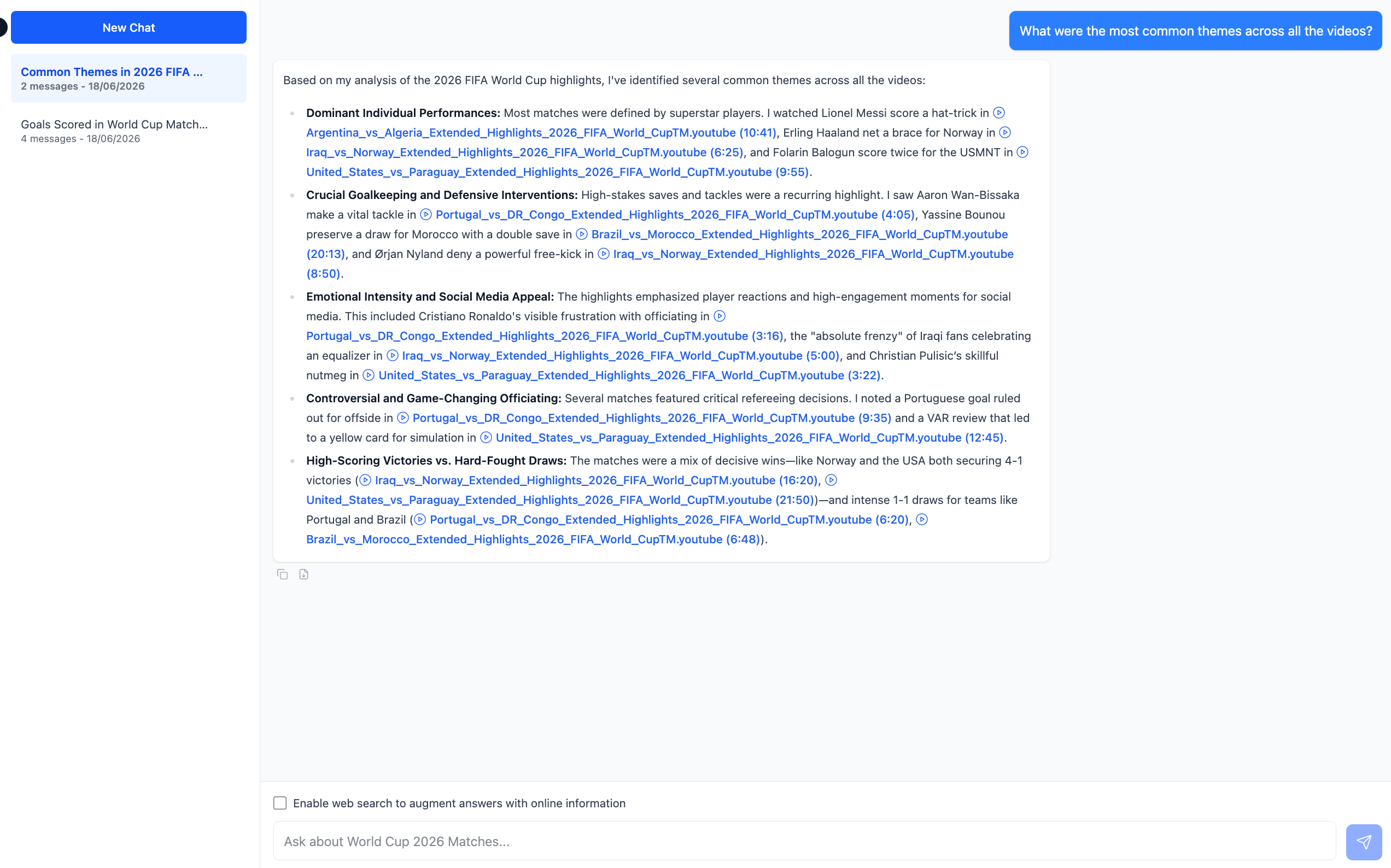
Note: Chat reasons across all videos in the workflow, so the more videos you have watched, the more it has to work with. If you have not run the AI Watcher yet, Chat will have no output to reason across.