
Building your schema
General Instructions Start by writing a short description of what the schema covers. This gives the AI context before extraction begins, such as “Focus on passes of the ball” or “Focus on customer sentiment, product mentions, and any issues raised.” Schema Fields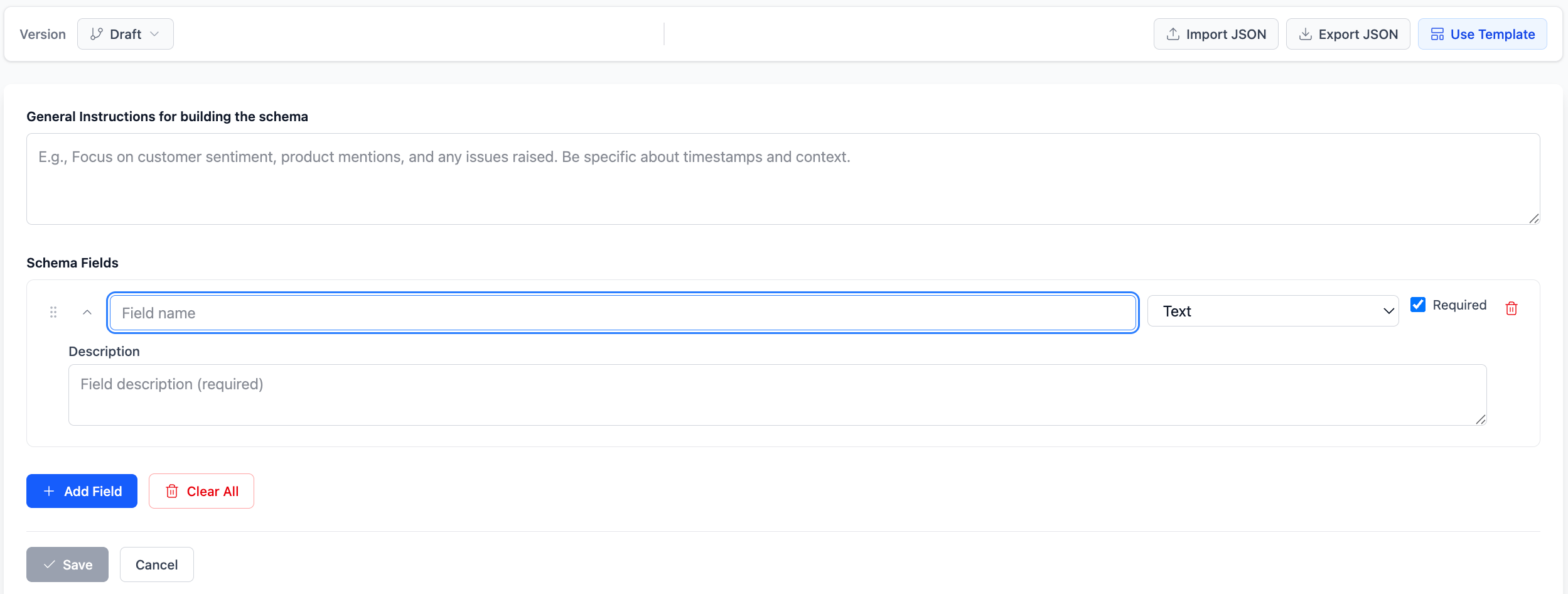
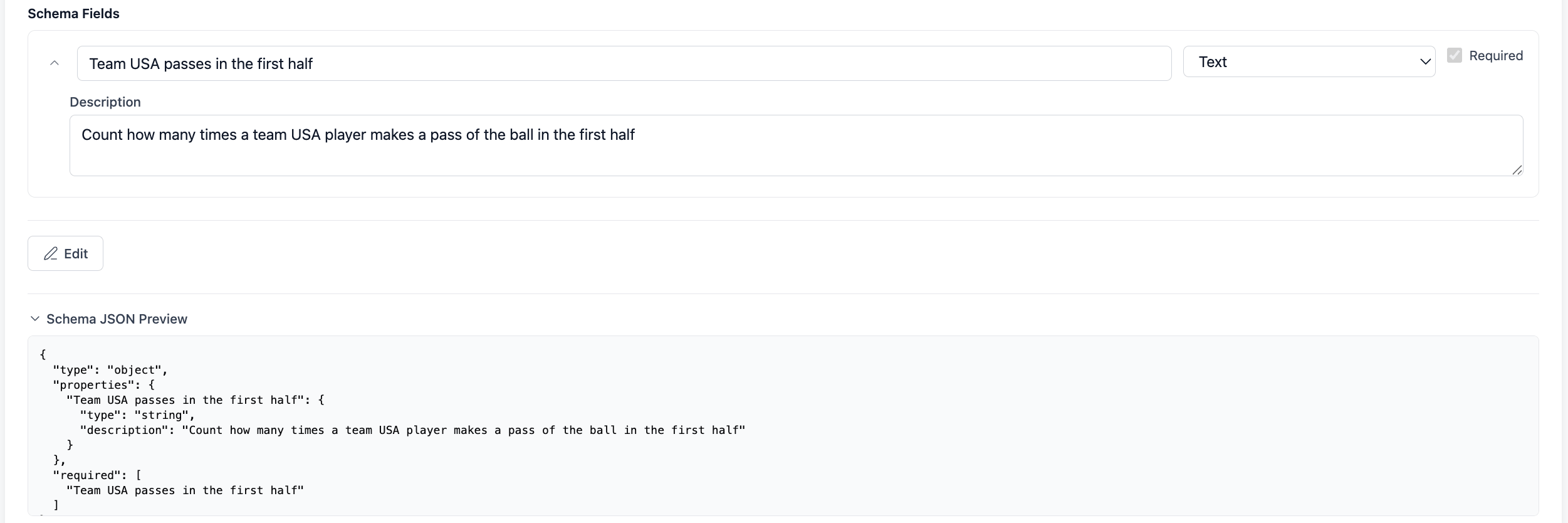
- Field name: What you want to call the data point, such as “Team USA passes in the first half.”
- Field type: The format the extracted value should be returned in.
- Description: A plain language explanation of what to extract, such as “Count how many passes Team USA has of the ball in the first half of the game.” The more specific the description, the more accurate the extraction.
Schema JSON Preview
Saving a version
When your schema is ready, click Save Version. A window appears where you can add an optional version label and notes to describe what changed. Once saved, a schema version is locked and cannot be edited. This is intentional. Locking versions ensures that every video watched with a given schema produces output that is traceable back to the exact schema used. If you need to make changes, save a new version and re-watch your videos against it.Important: A video can only be watched once a schema version has been saved. The Watch option stays inactive until at least one version exists.