- “What was in the first chunk of the stream?”
- “Give me the top moments from this live session.”
- “How did the content in session 1 differ from session 2?”
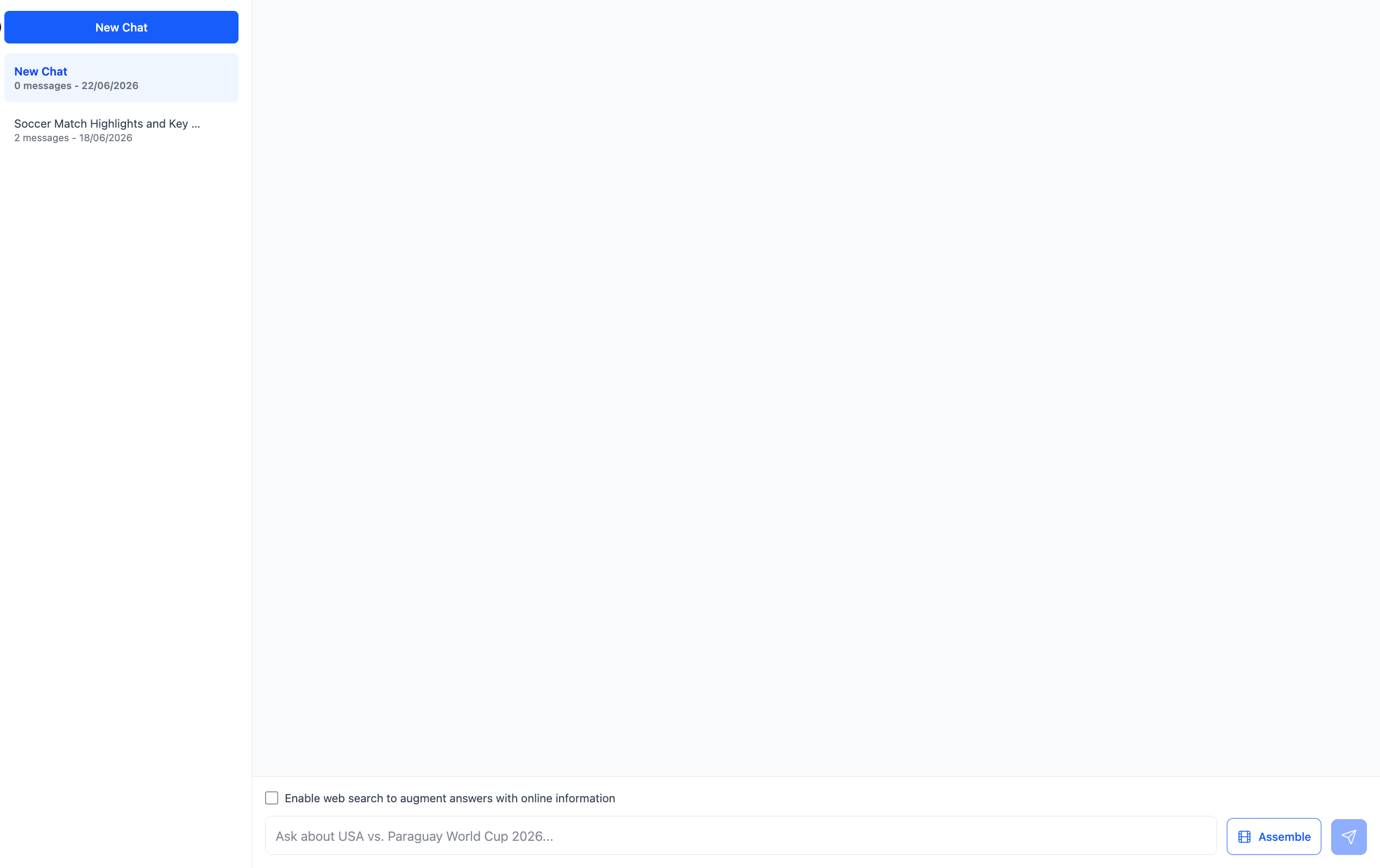
Assembling a Reel from Chat
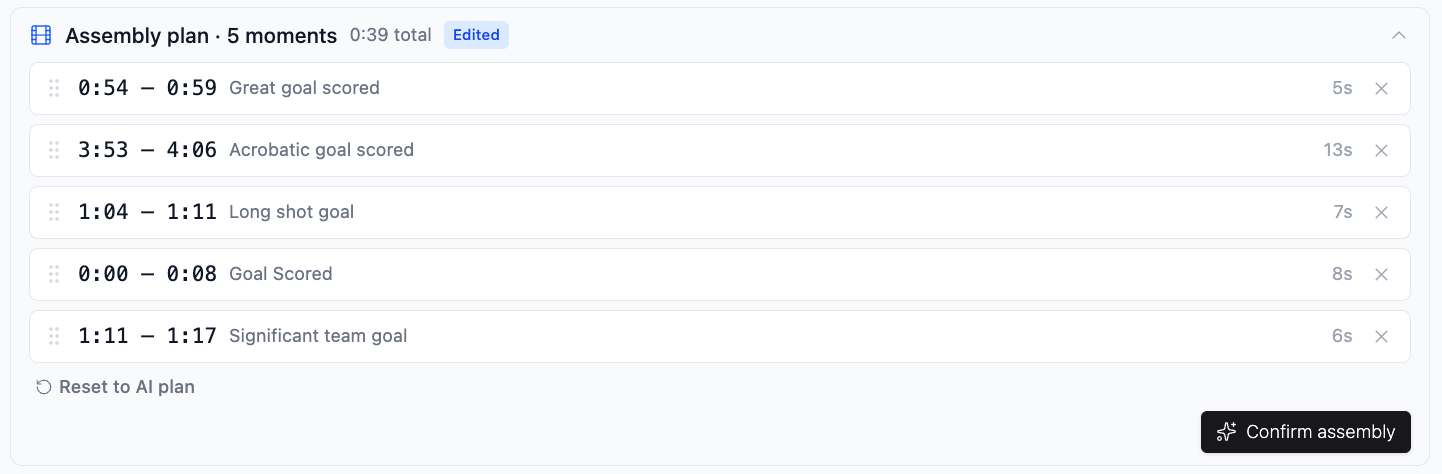
The real power of Chat is that it reasons across all capture sessions in the workflow. This means you can pull moments from multiple streams into a single reel, which is not possible from the Create tab, which is limited to one session at a time. Here is an example. Say you have captured a football tournament with three sessions in your workflow: the quarterfinal, the semifinal, and the final. You open Chat and ask: “Give me the five best goals across all three matches.” Chat searches across all three sessions and returns an assembly plan showing five clips, each with a timestamp, a description, and the session it came from. You can click any clip to preview it before committing.